Any period
This tax year or last, an HMRC quarter, a month, or any two dates. The doc keeps its range, so it is always up to date.
A doc in PencePal is a saved date range, such as a tax year or a quarter. Open it to see what it adds up to, and export it as a PDF to keep, to send to your accountant, or to fill in your return from.
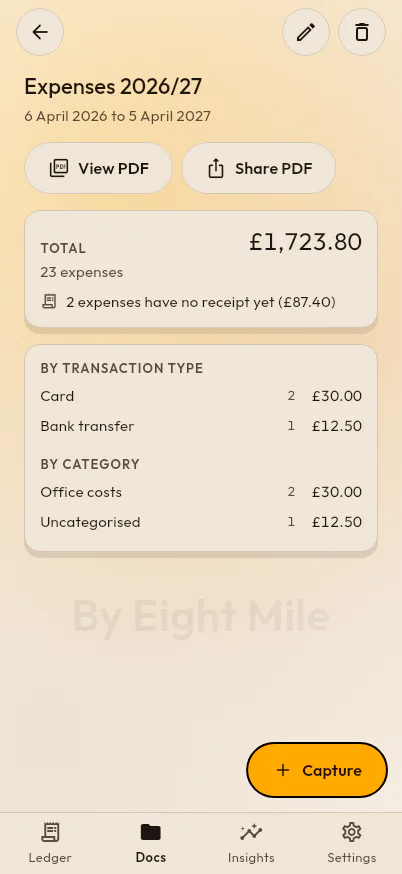
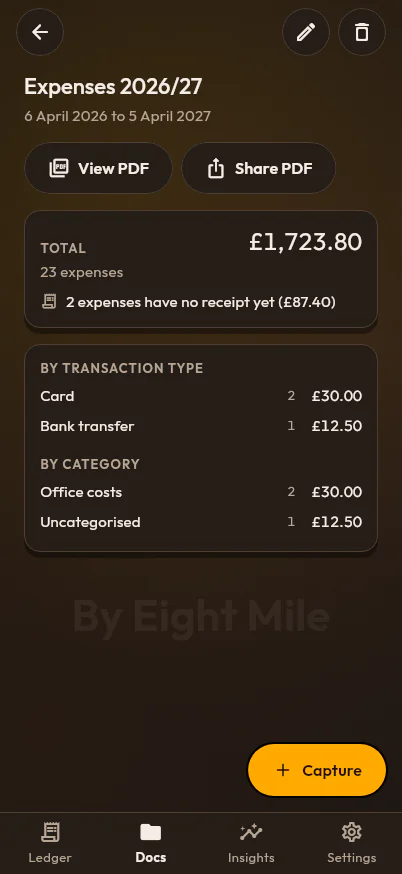
This tax year or last, an HMRC quarter, a month, or any two dates. The doc keeps its range, so it is always up to date.
Each expense with its date, details, payment type, category, amount and links to its receipts, then the total.
Totals by payment type and by category, “Uncategorised” included, so each table adds up to the whole.
The mileage allowance for the trips in the same dates sits under the totals, kept apart from your spending.
Set it once and every PDF carries it in the header.
When the UK tax year starts and ends, the Self Assessment deadlines for registering, filing and paying, payments on account and MTD dates.
Who must use Making Tax Digital for Income Tax and from when, how qualifying income is worked out, and the quarterly update deadlines.
Track business expenses on your phone and the web, file each under an HMRC-style category, and always know which receipts are missing.
Photograph or scan receipts into PencePal and keep each one with its expense. With Pro, PencePal reads the total, date and shop for you.
Log business journeys and let PencePal price each one at HMRC’s approved mileage rates, split at the 10,000-mile threshold, tax year by tax year.
Charts of your business spending by month, by category and by payment type, with the receipts still missing and your mileage, for any period.