Categories that match your tax return
Every account starts with one category for each allowable-expense box on the self-employment pages of a Self Assessment return. Rename them, reorder them or add your own.
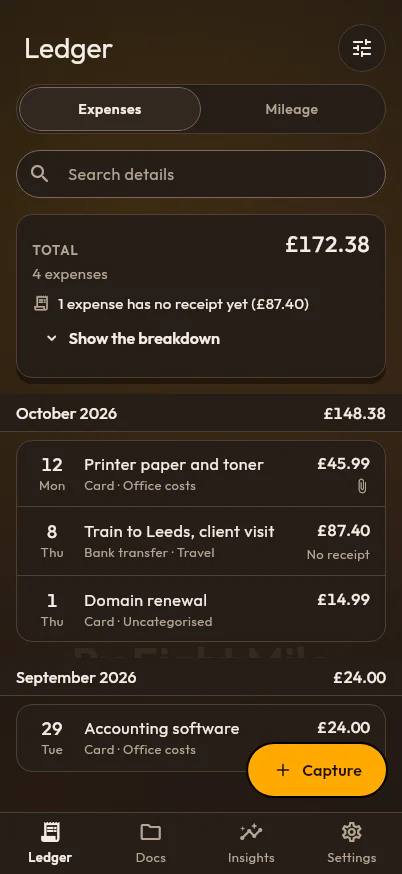
PencePal keeps one ledger of your business spending, the same on your phone, your tablet and the web. Add an expense in seconds, file it where it belongs, and see each month add up as you go.
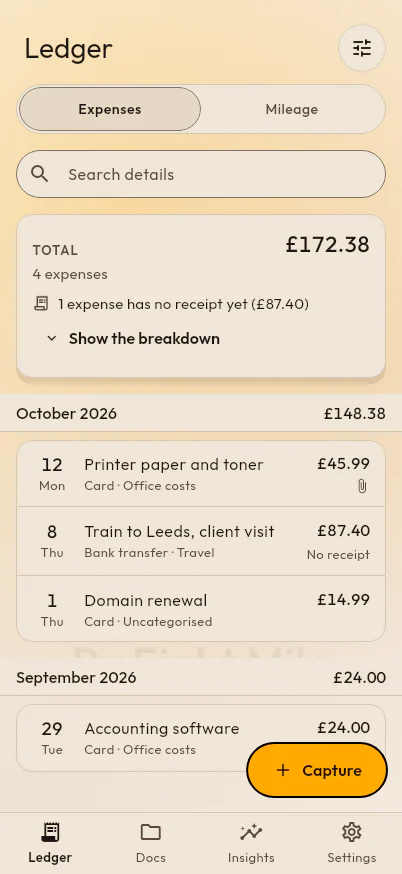
Every account starts with one category for each allowable-expense box on the self-employment pages of a Self Assessment return. Rename them, reorder them or add your own.
PencePal counts the expenses that still have no receipt, and leaves out the ones you mark as not needing one, such as bank charges.
Find any expense by its details, its dates, how you paid, its category, or whether it has a receipt.
Card, bank transfer, direct debit, standing order and cash to start with, and any others you use.
Download everything in your account as one file whenever you like, and delete your account and all of it at any time.
What counts as an allowable expense when you are self-employed in the UK, the expense boxes on the tax return, and what you cannot claim.
When the UK tax year starts and ends, the Self Assessment deadlines for registering, filing and paying, payments on account and MTD dates.
Photograph or scan receipts into PencePal and keep each one with its expense. With Pro, PencePal reads the total, date and shop for you.
Turn any tax year, quarter or date range into an expense report PDF: every expense, its receipts, and totals by type and by category.
Log business journeys and let PencePal price each one at HMRC’s approved mileage rates, split at the 10,000-mile threshold, tax year by tax year.
Charts of your business spending by month, by category and by payment type, with the receipts still missing and your mileage, for any period.